
Configuration history
The Configuration history lists the changes made to the configuration from the administration, the most recent first,
and allows undoing one. It is reserved for the admin account and opens from the History tab at the top of the
Configuration. Every change made from the administration keeps the previous version of the files it
touches; the history keeps the last 50 changes. The procedure is in the guide Undo a configuration
change.
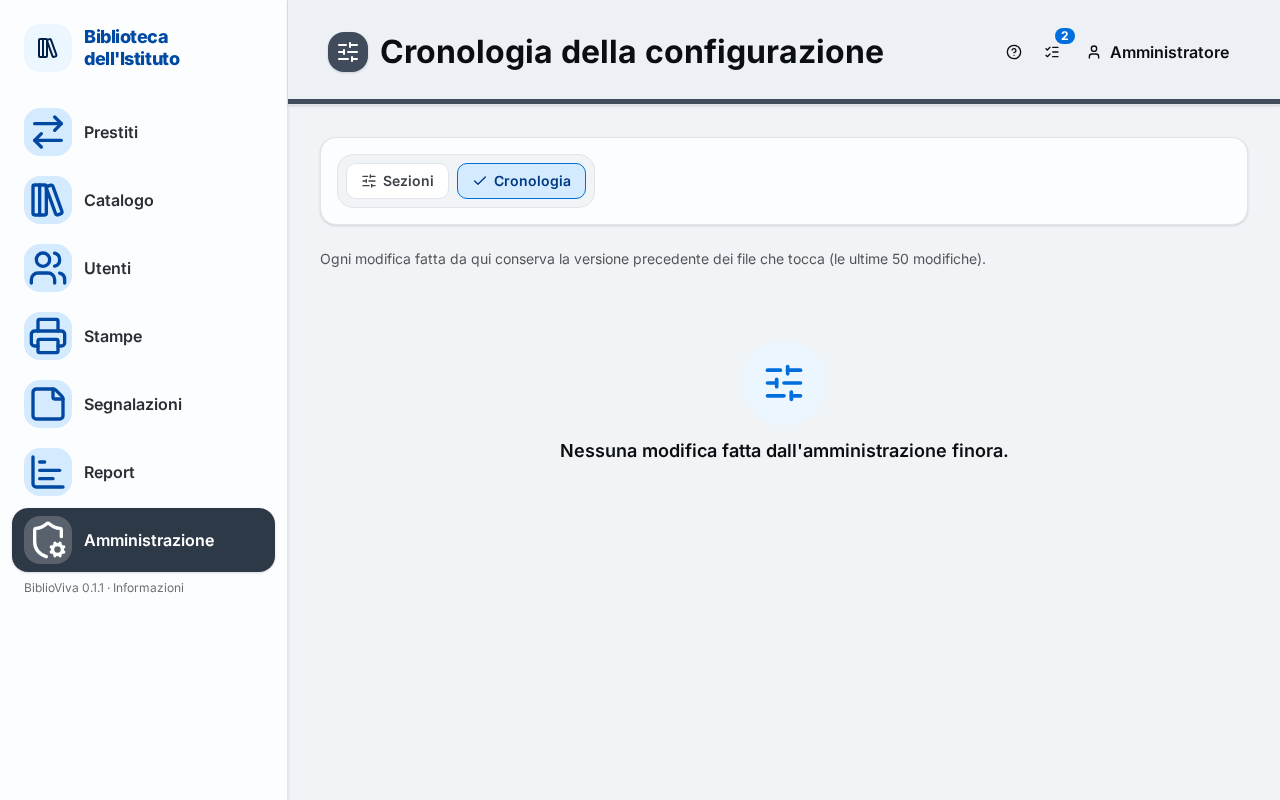
- The Sections and History tabs.
- A row of the list: when, what, the files touched.
- The Restore button of the row.
The list of changes
With no changes the page says "No change made from the administration yet." Otherwise a table shows, for each change:
- When: date and time;
- What: what was changed. The text says, for example, "Colours", "Language", "Library logo", "First-run setup", "Section" followed by the name of the section, "Restore of the change of …"; the other actions (accounts, templates, reports, language packs) appear as "Change" followed by the technical name of the action;
- Files: the configuration files touched, each with its path; a file created by the change carries the mark "new".
Restore
The Restore button of a row brings the files back as they were before that change. A dialog asks for confirmation: "Restore the files as they were before this change?". Only the values changed by that change go back. The restore is itself a change: it stays in the history and can be undone.
The restore may be refused. The messages are these.
- "This change created config.json: it cannot be undone."
- "It cannot be restored: after this change … changed again.", with the list of keys. To go back, undo the more recent changes first.
- "The change is no longer in the history."
- "The save would take away something still in use", with the list (for example a copy type that still has copies, a classification code that still has books, a year with students), when the restore would make something the library uses disappear. In this case it is better to move those items first.